

Objective
Ensure that a user (guest or non-admin) can log into an instance and access the appropriate sections.Prerequisites
- You must have a guest or non-admin account for testing.
- You must have access to an ATP instance or a personal instance.
Steps
- Use the ATP Instance created for your uses or a personal instance created for testing:
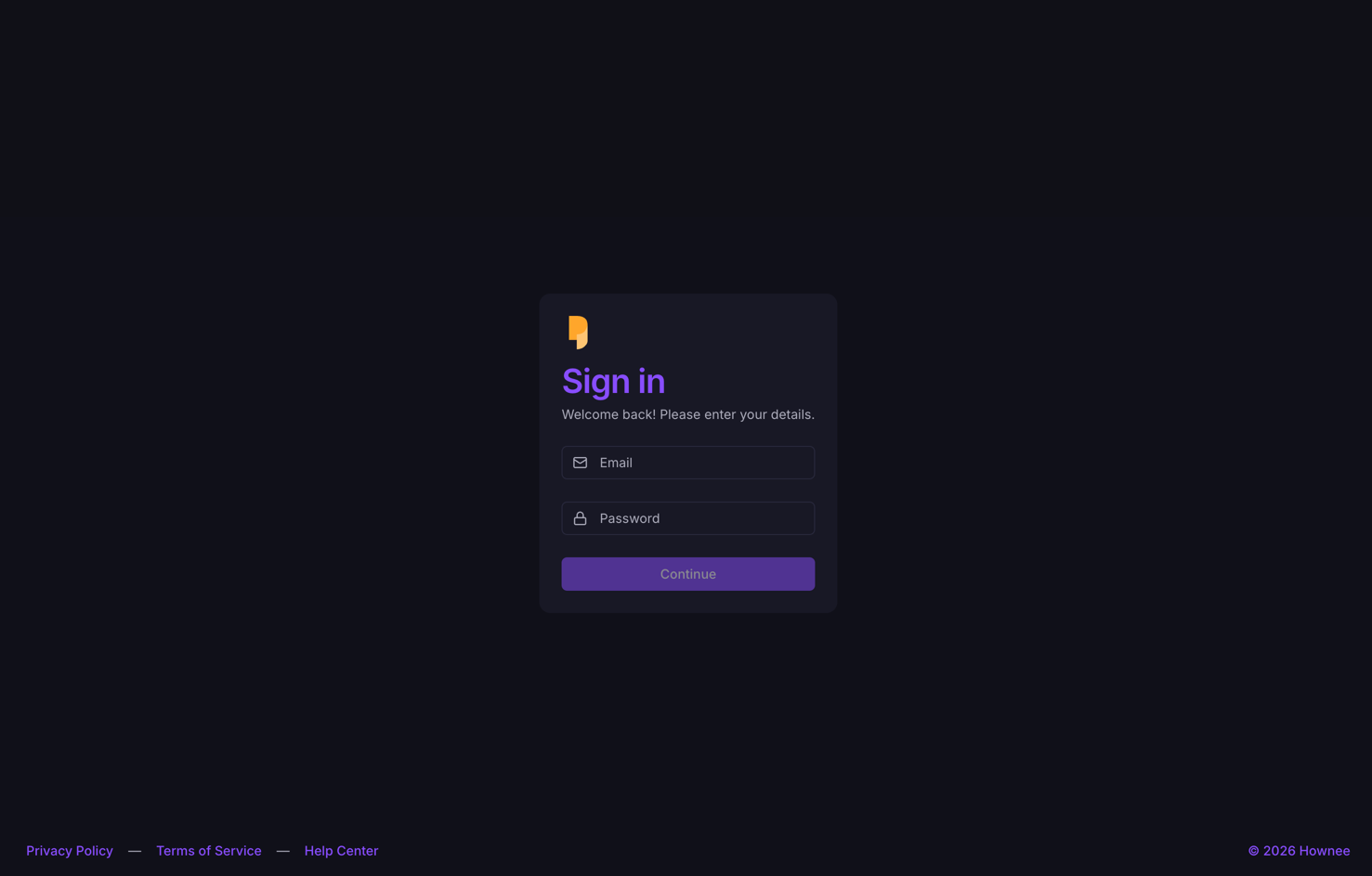
- If you have never entered the credentials, you will be redirected to the sign-in page:
- Enter your credentials. If using the ATP instance, use the PAPYRUS_ATP_INSTANCE_ACCESS credentials. Otherwise, use the credentials you created for your instance.
- Click the Login or Sign In button.
-
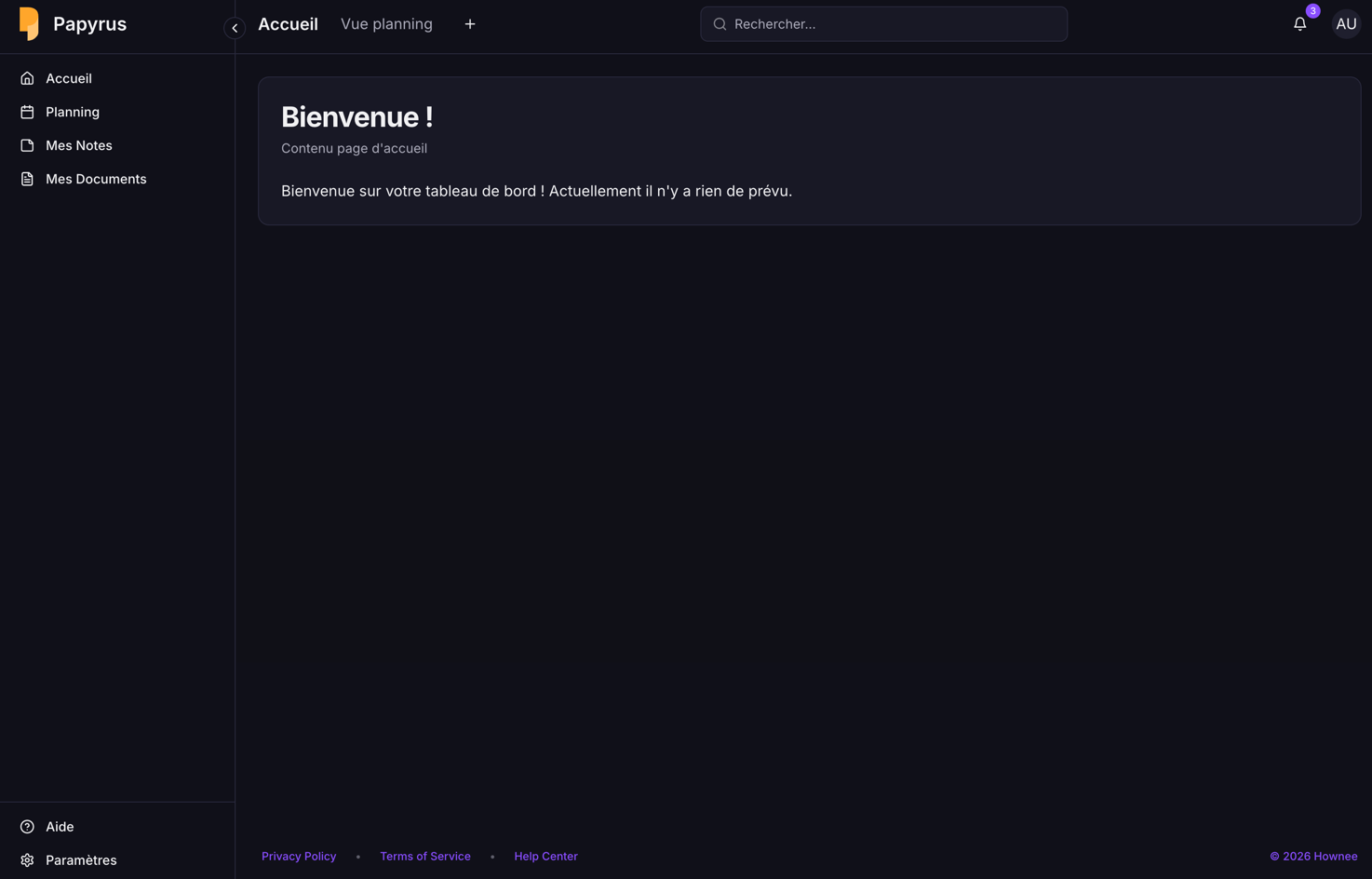
Observe the system response. If login is successful, you should be redirected to the main dashboard or homepage of the instance.
Expected Results
- Credentials are valid and the user is connected to their instance or the instance created for their uses.
- The user can access all sections available to their role.
- If login fails, an appropriate error message is displayed (please capture a screenshot if this occurs).
Tip: If you encounter any issues, please document the error message and steps taken, and attach screenshots or a video for troubleshooting.